
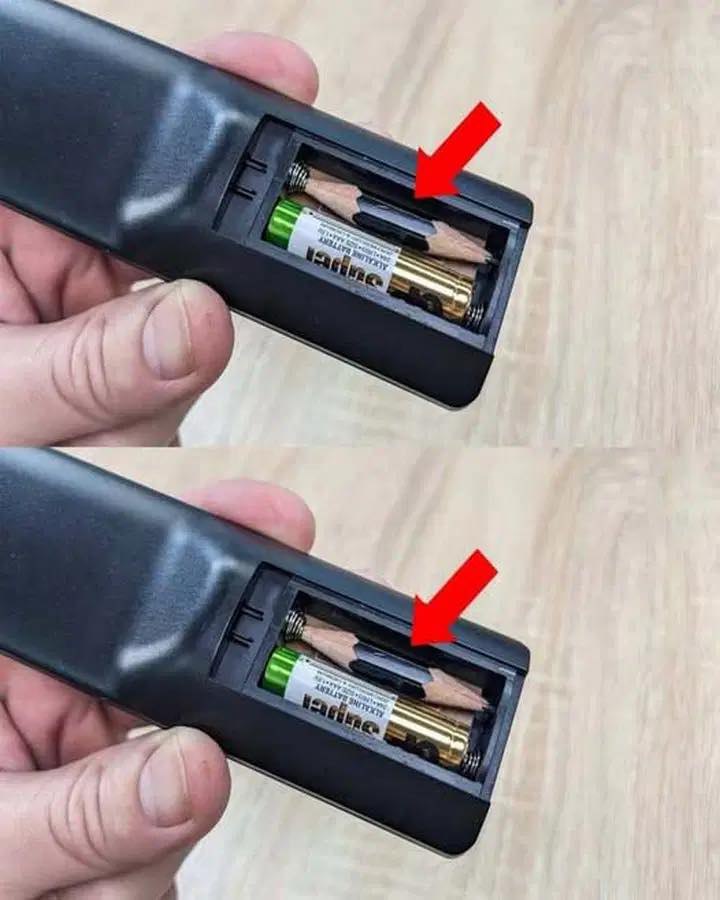
Find a clever trick to solve remote control problems
Say goodbye to the frustration of unreliable remote controls! Discover quick and easy ways to diagnose and repair your remote control – no technical expertise required.
Common problems with remote controls (and simple solutions)
Before jumping to conclusions or throwing away your remote control, consider these common problems – most have simple solutions.
Dead batteries : Often the main cause!
Blocked signal : Objects or defective sensors can interfere with the infrared beam.
Dirty contacts : Dirt and oxidation can prevent proper electrical contact.
Physical damage : Internal components can become detached due to falls or impacts.
Let’s go through in detail how to analyze and fix each problem.
1. Check batteries and replace if necessary.
A remote control that suddenly stops responding probably has a power supply problem.
Steps:
Open the battery compartment and make sure the batteries are inserted correctly.
Replace the batteries with new, high-quality batteries.
Try slightly changing the position to restore the connection.
If necessary, check the charge level with a battery tester.
Pro tip :
Use a cloth moistened with rubbing alcohol to clean the battery terminals and remove oxidation.

2. Test the IR signal with your smartphone.
Does it still not work with new batteries? The problem might be with the infrared transmitter.
Here’s how to test:
Open your phone’s camera app.
Point the remote control’s infrared sensor at the camera.
Press any key and watch for a flashing light on the screen.
If no light illuminates : The transmitter may be defective.
Tip :
Clean the IR sensor with a microfiber cloth and make sure that nothing is blocking its path to the TV.
